

What is Stealth Mode?
Stealth Mode keeps Verve AI hidden from your interviewer even when you share your screen. You see the copilot on your local screen, but interviewers viewing your shared screen won’t see anything.How to Enable Stealth Mode
- Download the Desktop App
- Launch Interview Copilot
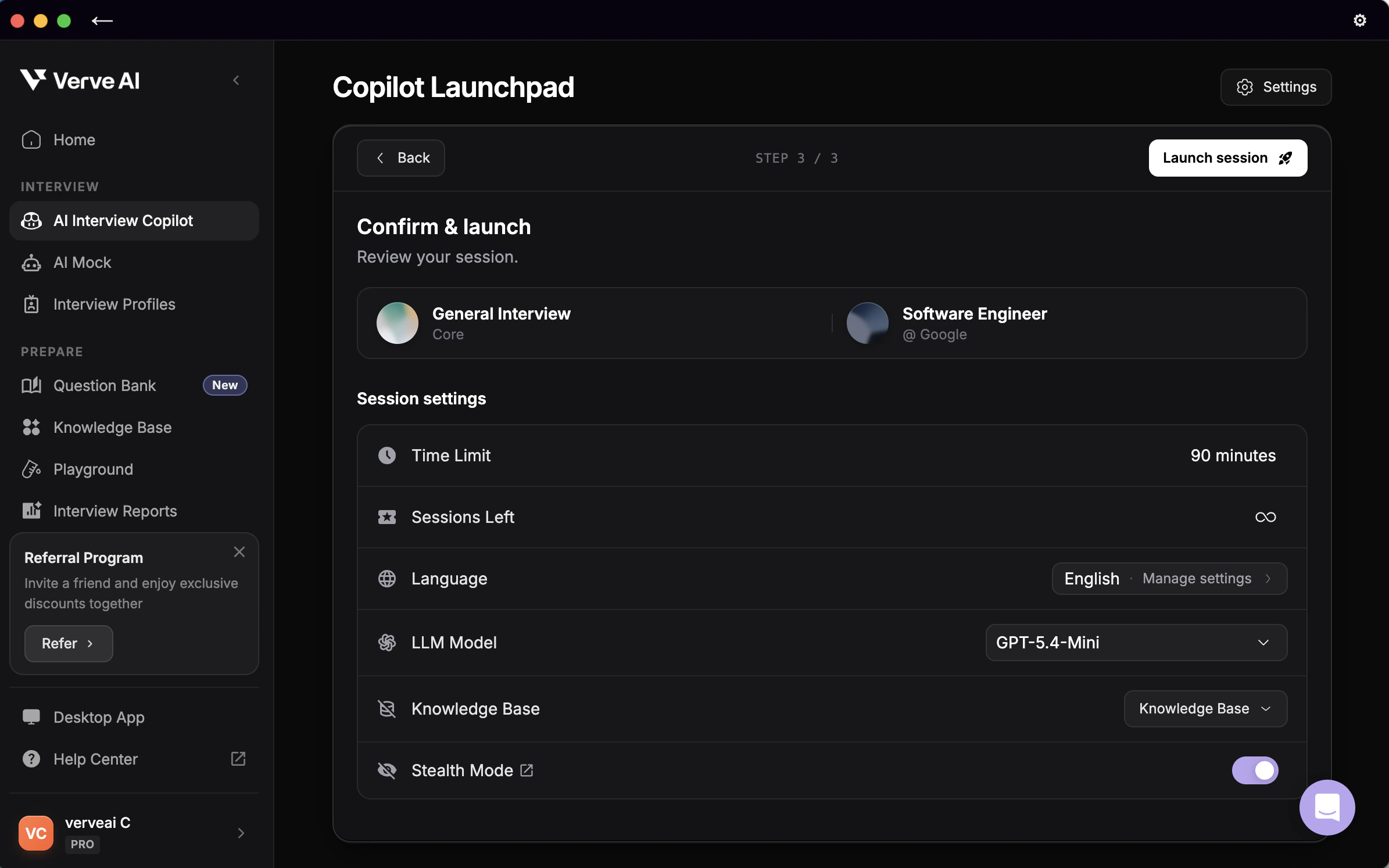
- Turn on Stealth Mode at Step 3, confirm your settings, then click Launch Copilot
- Test it - Record your screen or do a test call to verify invisibility
How to test Stealth Mode (Required)
How to test Stealth Mode (Required)
Choose one method to verify it works:Option 1: Screen Recording (Quick)
- Start recording your screen (QuickTime on Mac, Xbox Game Bar on Windows)
- Launch Verve AI with Stealth Mode enabled
- Play back the recording - Verve AI should be invisible
- Call a friend and share your screen exactly as you will in the interview
- Ask if they can see Verve AI
- Adjust settings if needed
Stealth Mode Compatibility
Stealth Mode is guaranteed invisible in these scenarios:
May not work: Entire screen sharing from browser-based meetings (Chrome, Edge, Brave, Opera running Google Meet, Zoom, or Teams in browser)
Simple fixes:
- Share a specific window or tab instead of entire screen (works on any platform)
- Use desktop meeting apps instead of browser versions
- Use a two-monitor setup: Place Verve AI on second monitor, share primary screen only
Troubleshooting
How do I know Stealth Mode is active?
How do I know Stealth Mode is active?
Look for “Stealth Mode: Active” indicator in the Desktop App interface. Always verify with a test screen share or recording before your interview.
Can I use Stealth Mode in the browser?
Can I use Stealth Mode in the browser?
No. Stealth Mode only works in the Desktop App. Download it here.
My company blocks desktop meeting apps
My company blocks desktop meeting apps
If you must use browser-based meetings:
- Share specific windows or tabs instead of entire screen
- Position Verve AI on a second monitor (if available)
Does this work on all platforms?
Does this work on all platforms?
Stealth Mode works best with:
- Zoom desktop app
- Teams desktop app
- Any platform when sharing specific windows/tabs