

What is Phone Interview?
Phone Interview is a specialized Interview Copilot mode designed for separate device setups where you conduct your phone interview on one device while running the copilot on your desktop. Using our speaker diarization technology, the copilot automatically identifies different speakers and responds to the interviewer’s questions in real-time. How to access: Select Phone Interview as your interview domain in Step 1 of launching interview copilot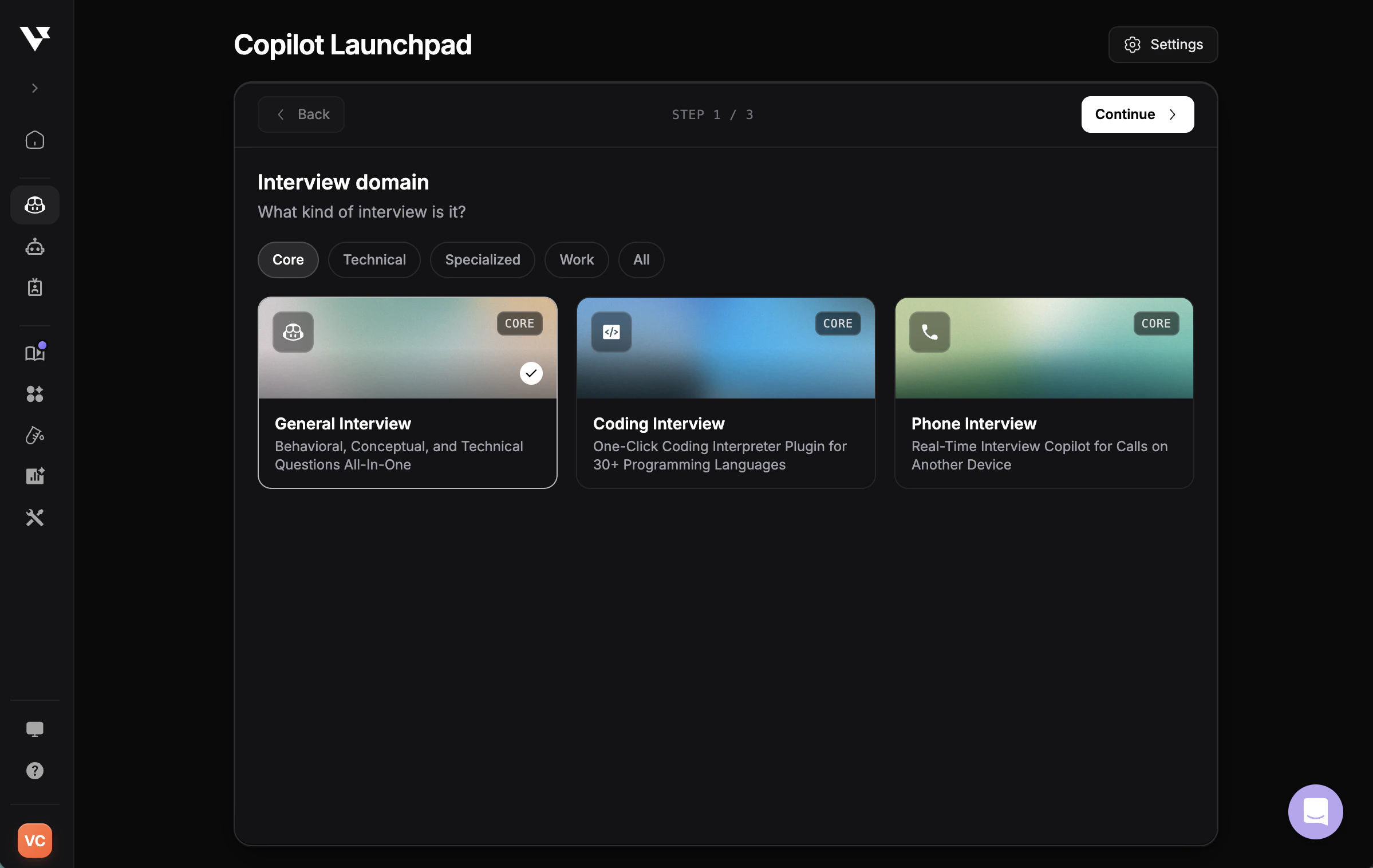
How It Works
1
Turn on your microphone
After selecting Phone Interview, enable your microphone to capture audio from your phone call. Position your phone near your computer’s microphone for clear audio capture.
2
Speaker diarization
Our diarization technology automatically detects and separates different speakers in the conversation as they talk.
3
Assign the interviewer
From the detected speakers, select which one is the interviewer. This tells the AI whose questions to focus on and respond to.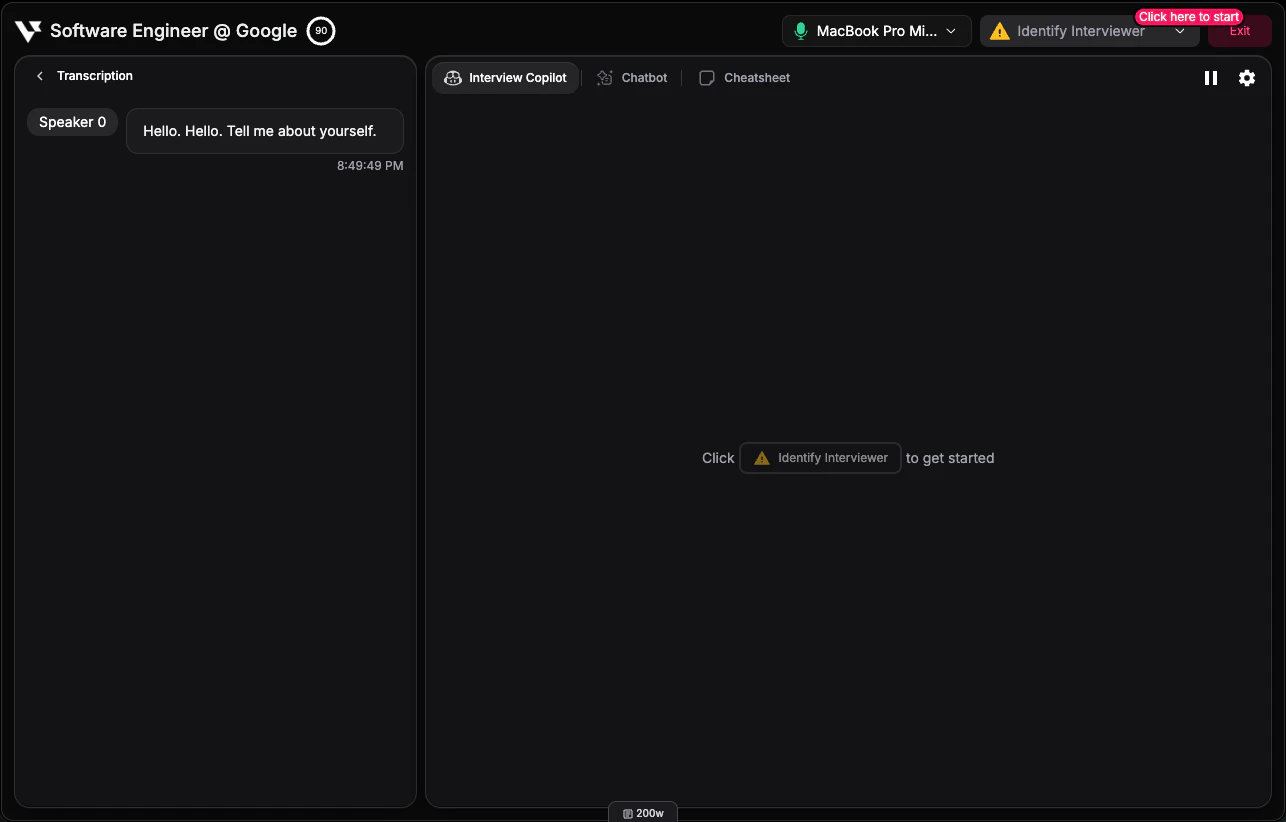
4
Receive real-time assistance
Once the interviewer is assigned, the AI automatically provides responses to their questions in real-time, helping you answer effectively.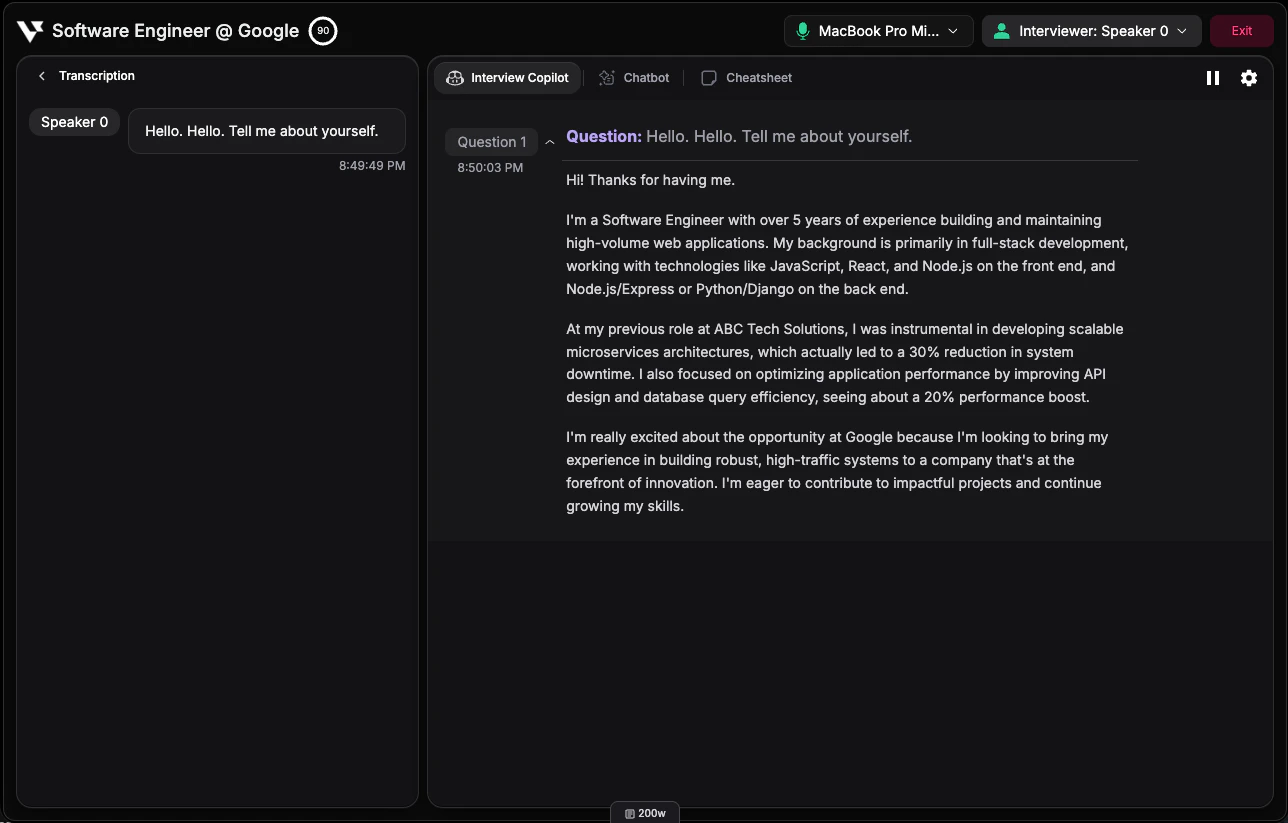
Speaker Diarization
What is Diarization?
Speaker diarization is our technology that automatically identifies and distinguishes between different speakers in an audio stream. This allows the AI to:- Separate the interviewer’s questions from your responses
- Accurately attribute statements to the correct speaker
- Provide contextually relevant answers to interviewer questions only
Assigning the Interviewer
After diarization detects the speakers:- You’ll see the detected speakers listed in your session
- Select the speaker who is the interviewer
- The AI will monitor that speaker’s questions and provide assistance
- You can reassign speakers if needed during the session
Manual Mode
Manual mode is fully supported in Phone Interview mode. When using manual mode:- Diarization still works to separate and identify speakers
- You control when to request AI assistance by pressing the Assist button
- Useful when you prefer to selectively get help on specific questions
- The AI will use the recent transcription context when you request assistance