Overview

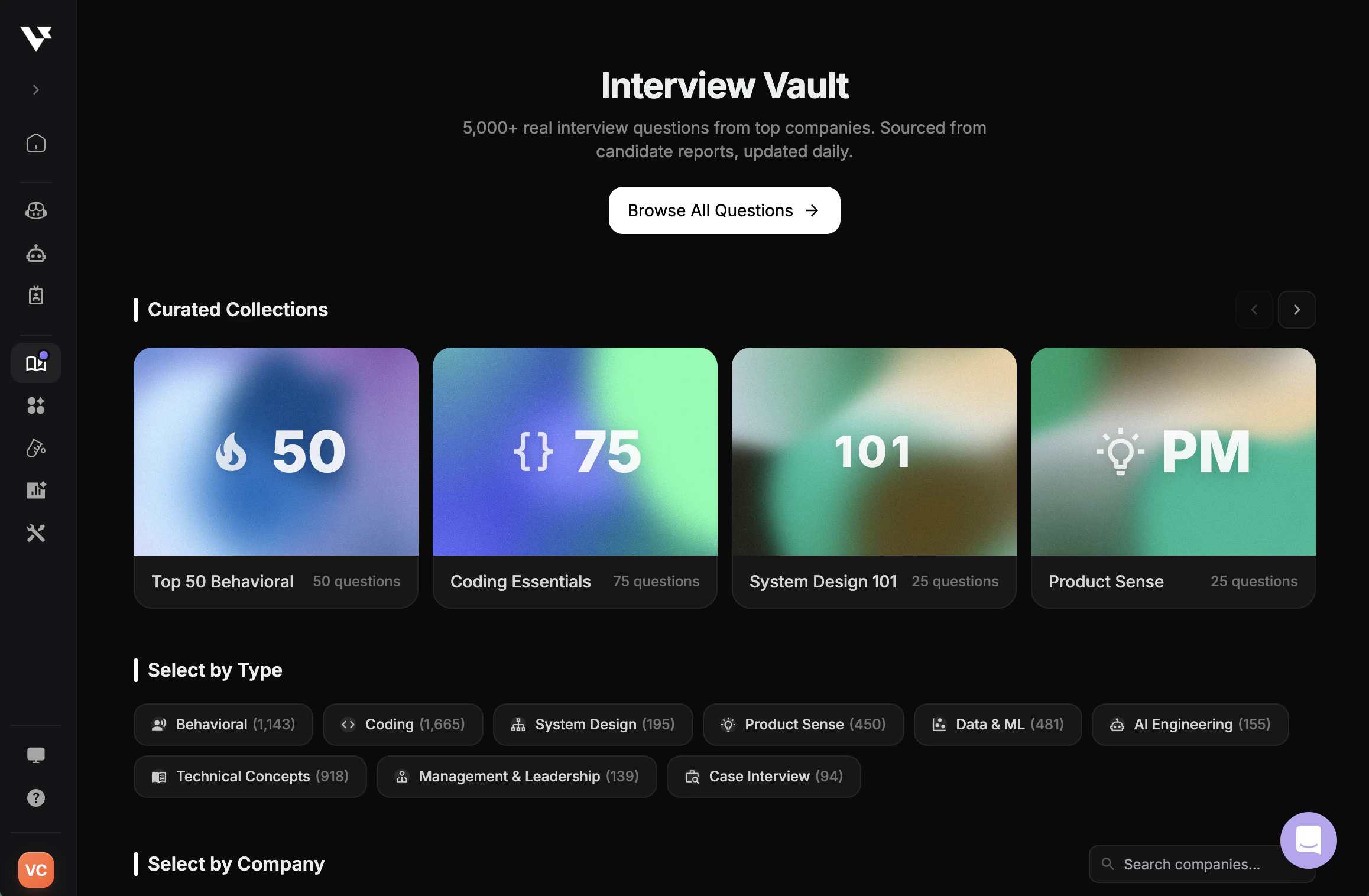
Create your own question bank to practice with questions tailored to your specific interview preparation needs. Add questions you’ve encountered in real interviews, collect questions from your research, or curate questions for specific companies and roles. Why Create a Question Bank:
  • Personalized Practice - Focus on questions relevant to your target roles
  • Real Interview Questions - Save questions you’ve been asked before
  • Share with Community - Help others by sharing your questions publicly
  • Organized Preparation - Keep questions organized by company, role, and difficulty
Add new question form

How to Add Questions

Add Questions One by One

1

Visit Question Bank

Navigate to Question Bank in your dashboard.
2

Click Add New Question

Click the + Add New Interview Question button to open the question form.
3

Fill in Question Details

Complete the form with the following information:
FieldDescription
CompanyThe company associated with this question
RoleThe job role this question is for
Interview QuestionThe actual interview question
AnswerYour prepared answer (optional but recommended)
Asked Before?Whether you’ve been asked this in a real interview
DifficultyEasy, Medium, or Hard
Share PubliclyMake it available to the community or keep private
4

Submit

Click Submit to add the question to your question bank.
Add new question form

Bulk Upload Questions

For adding multiple questions at once:
1

Visit Tools

Navigate to Tools.
2

Upload Your File

Upload a file containing your questions. This is ideal when you have a large collection of questions to add.
3

Review and Confirm

Review the imported questions and confirm to add them to your question bank.
Bulk upload questions

Managing Your Questions

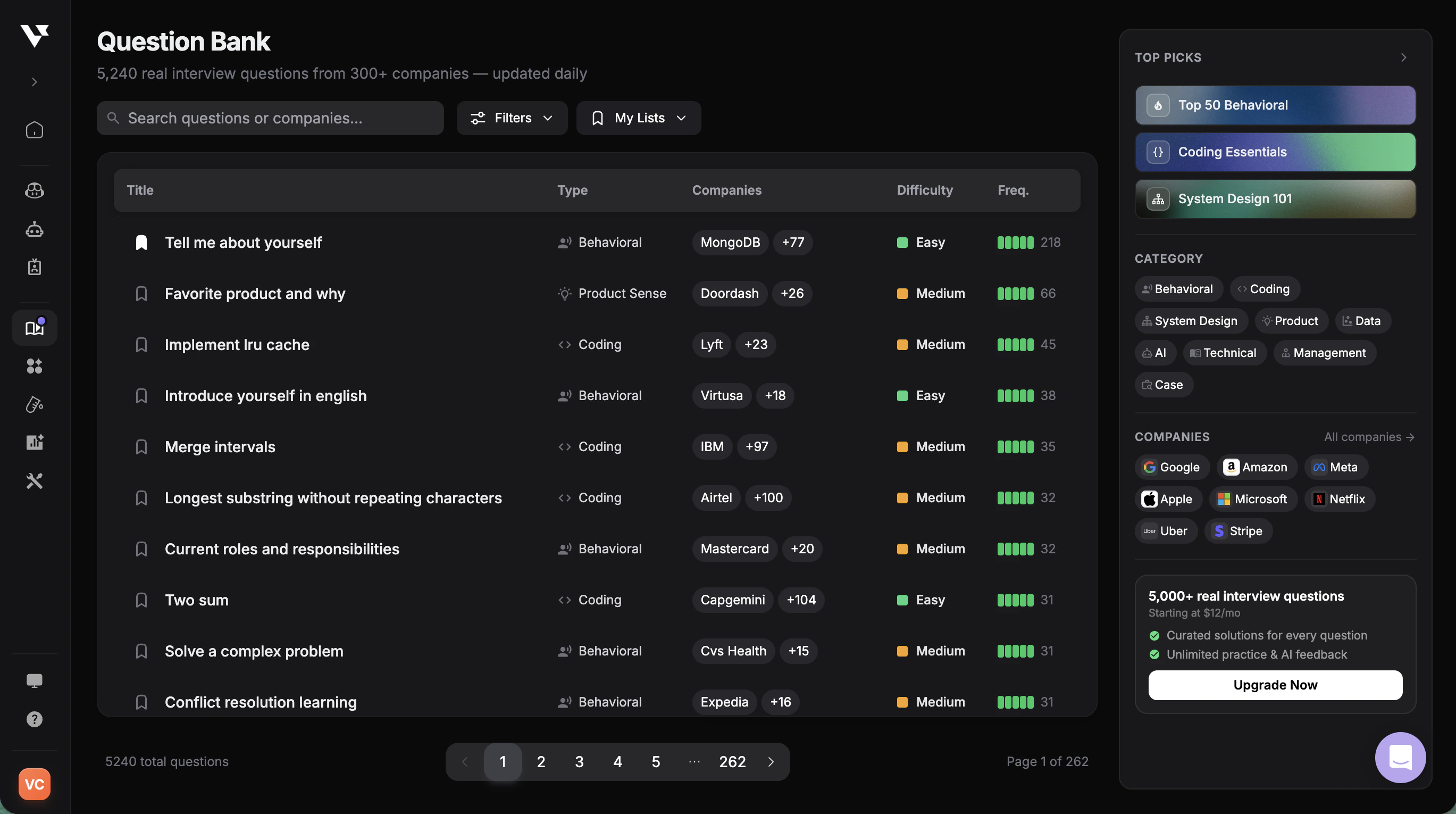
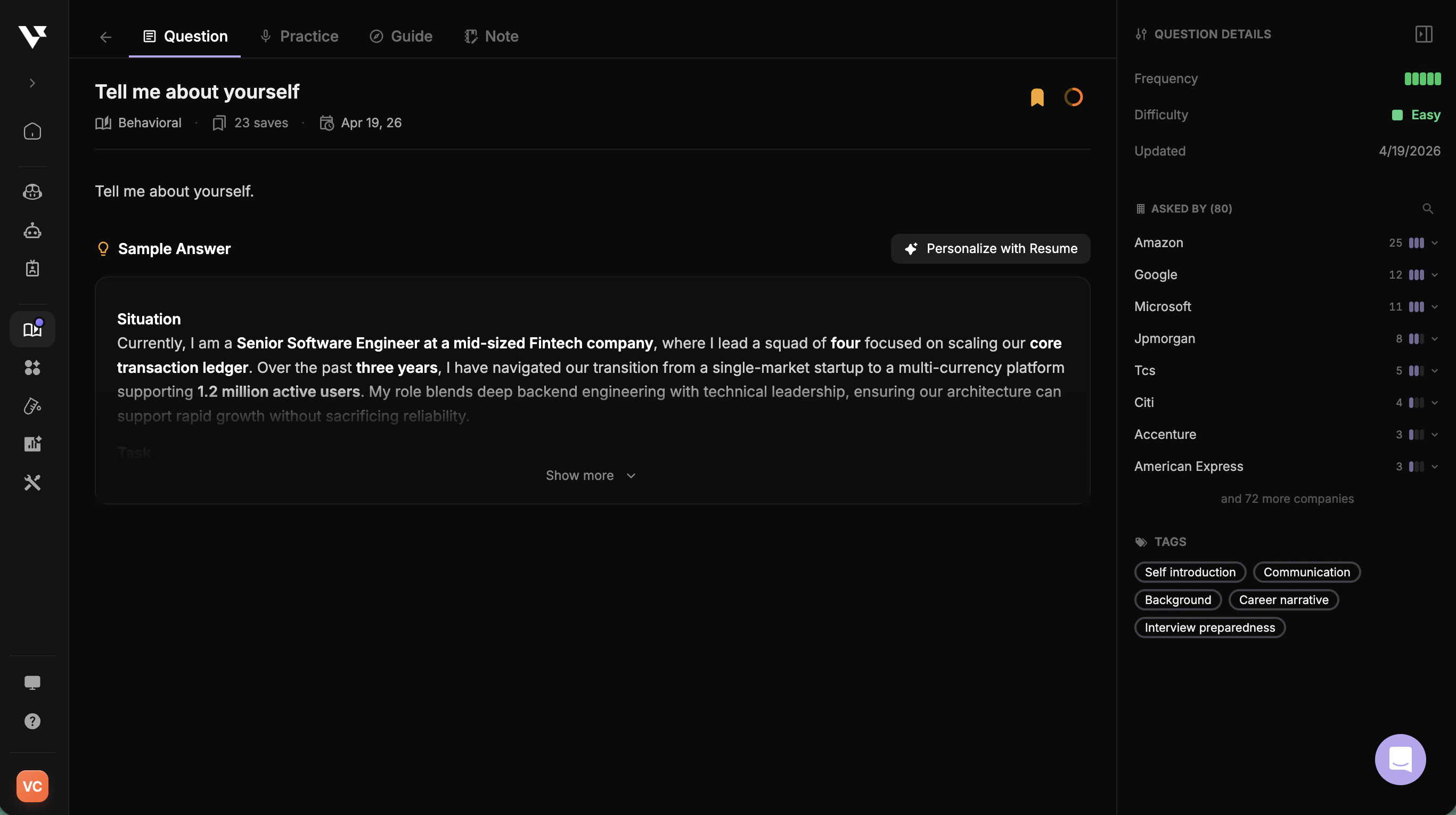
View Your Questions

To see all questions you’ve created:
  1. Go to Question Bank
  2. Use the filter “Your Questions” to display only questions you’ve added

Question Visibility

When adding questions, you can choose:
  • Private - Only visible to you, ideal for company-specific preparation
  • Public - Shared with the community, helping others prepare for similar interviews
Question bank management view

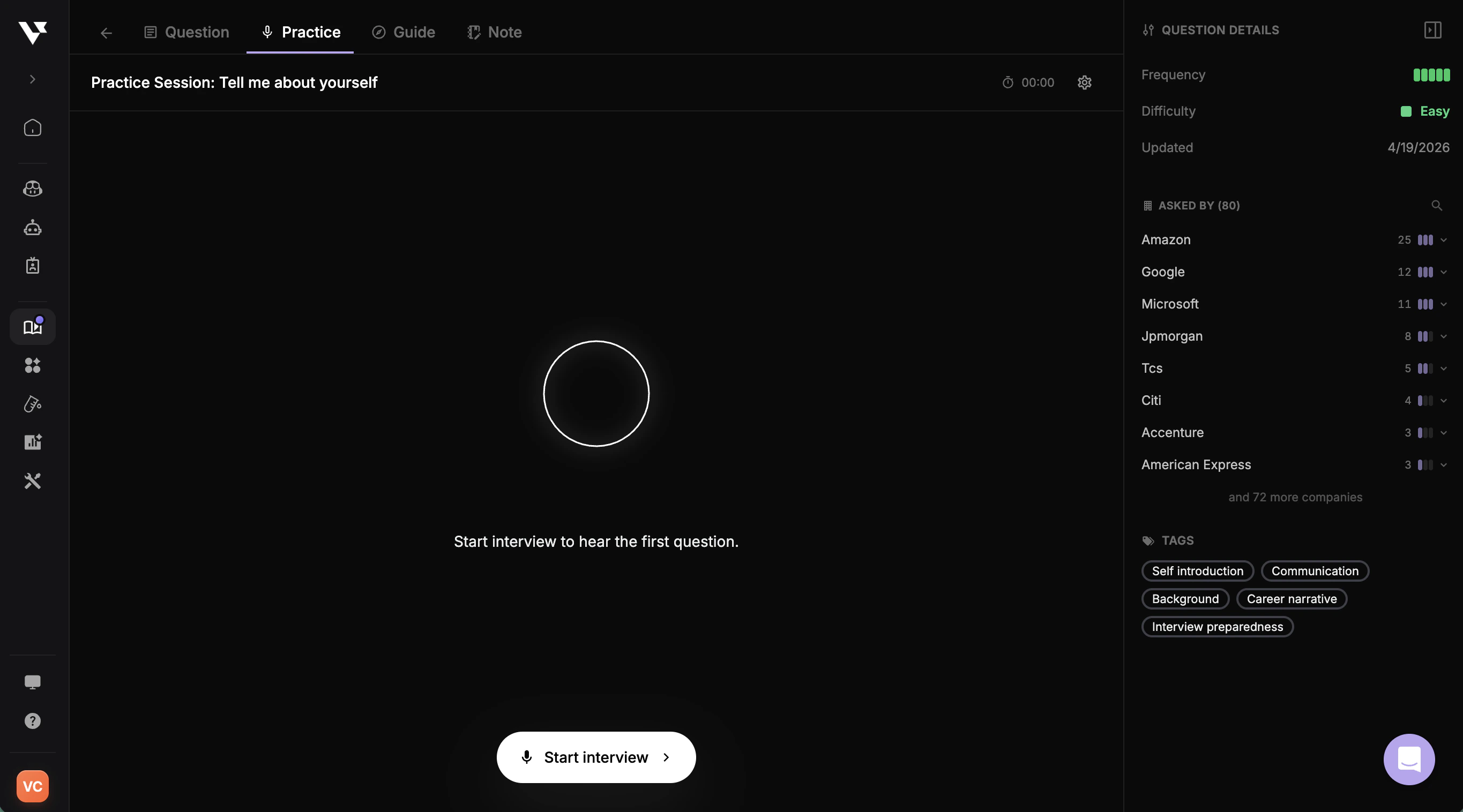
Using Your Question Bank in Mock Interviews

1

Start a Mock Interview

Navigate to Mock Interview.
2

Select Custom Questions

Choose “Custom Questions” as your question bank type.
3

Select Your Question Bank

Pick the question bank you created from the available options.
4

Practice

The AI recruiter will ask you questions from your selected question bank.
Using question bank in mock interview