

System Language Settings
System language controls the interface language of the Verve AI platform. This includes all menus, buttons, labels, and UI elements throughout the application. Verve AI is available in English, French, Spanish, Japanese, and Chinese.System Language vs Interview Language: System language changes the platform interface, while Interview Language controls the language used for transcription and copilot responses during your interview sessions.
How to Change System Language
1
Go to Manage Account
Log in to your account and navigate to Manage Account.
2
Find Language Settings
Locate the Language section in your account settings.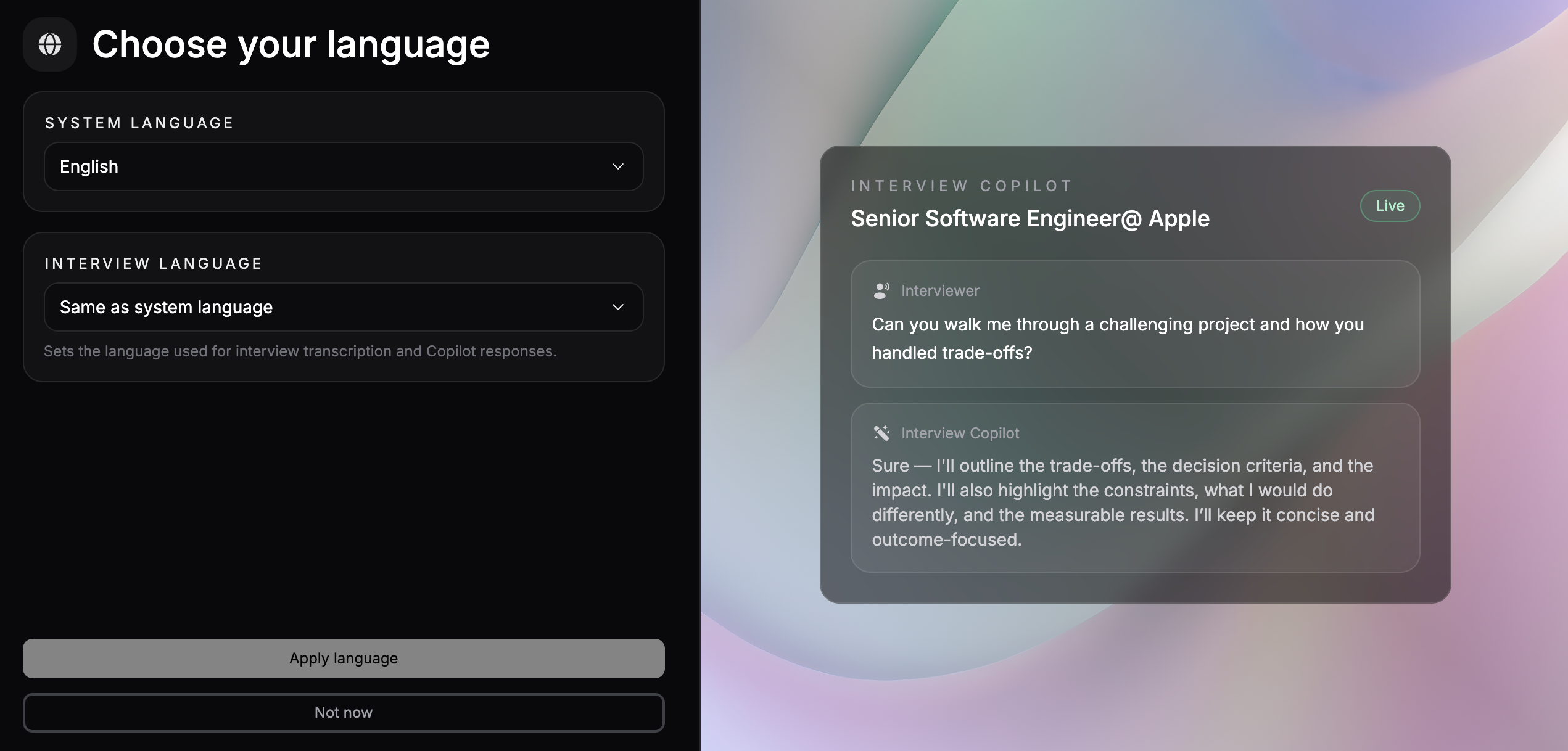
3
Select Your Preferred Language
Choose your preferred interface language from the available options:
- English
- French
- Spanish
- Japanese
- Chinese
4
Save Changes
Your changes will be applied immediately and the interface will update to your selected language.
Related Settings
- Interview Language - Change the language used for transcription and copilot responses during interviews