

How to Request a Feature
1
Access Feature Request Form
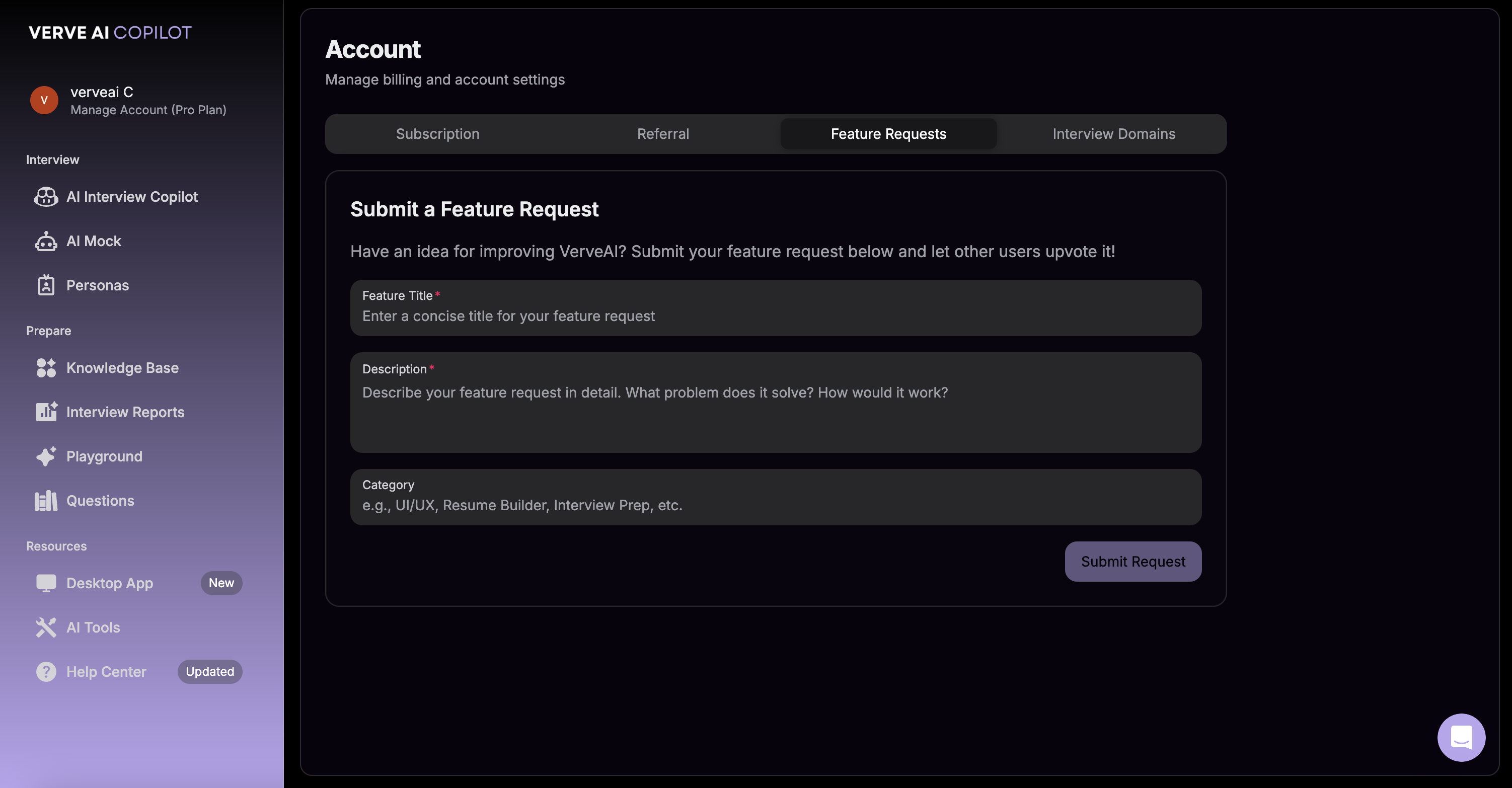
Navigate to Manage Account → Feature Request to open the feature request form.
2
Describe Your Idea
Tell us about the feature you’d like to see. Include details about:
- What problem it would solve
- How you envision it working
- Why it would be helpful for your interviews
3
Submit Your Request
Click submit to send your feature request to our team.
What Happens Next
We Review Your Request
Our team evaluates every feature request
Community Feedback
Popular requests get prioritized
Development Planning
Approved features are added to our roadmap
You Get Updates
We’ll notify you when your requested feature is live
Tips for Great Feature Requests
Already requested a feature? Feel free to follow up or provide additional context by submitting another request or contacting support.