

How to Contact Support
1
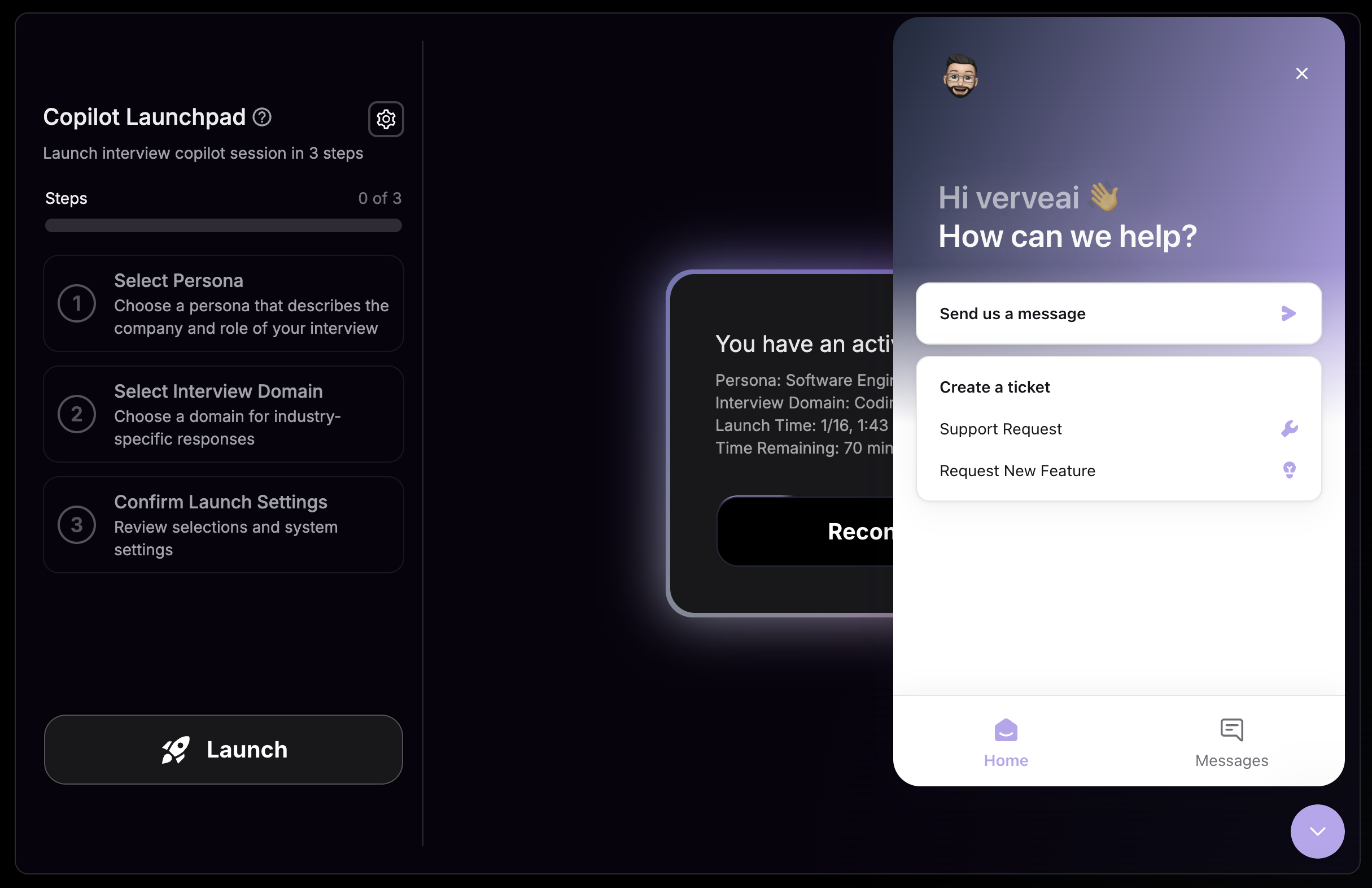
Find the Chat Icon
Look for the purple chat icon in the bottom-right corner of your screen.
2
Open the Messenger
Click the icon to open the support messenger.
3
Send Your Message
Type your message and hit send. Our team will respond as soon as possible.
Types of Requests
Get Help
Troubleshoot issues with any feature
Request a Feature
Share ideas to improve Verve AI
Request New Domain
Suggest new interview domains
Report a Bug
Let us know what’s not working