

Overview
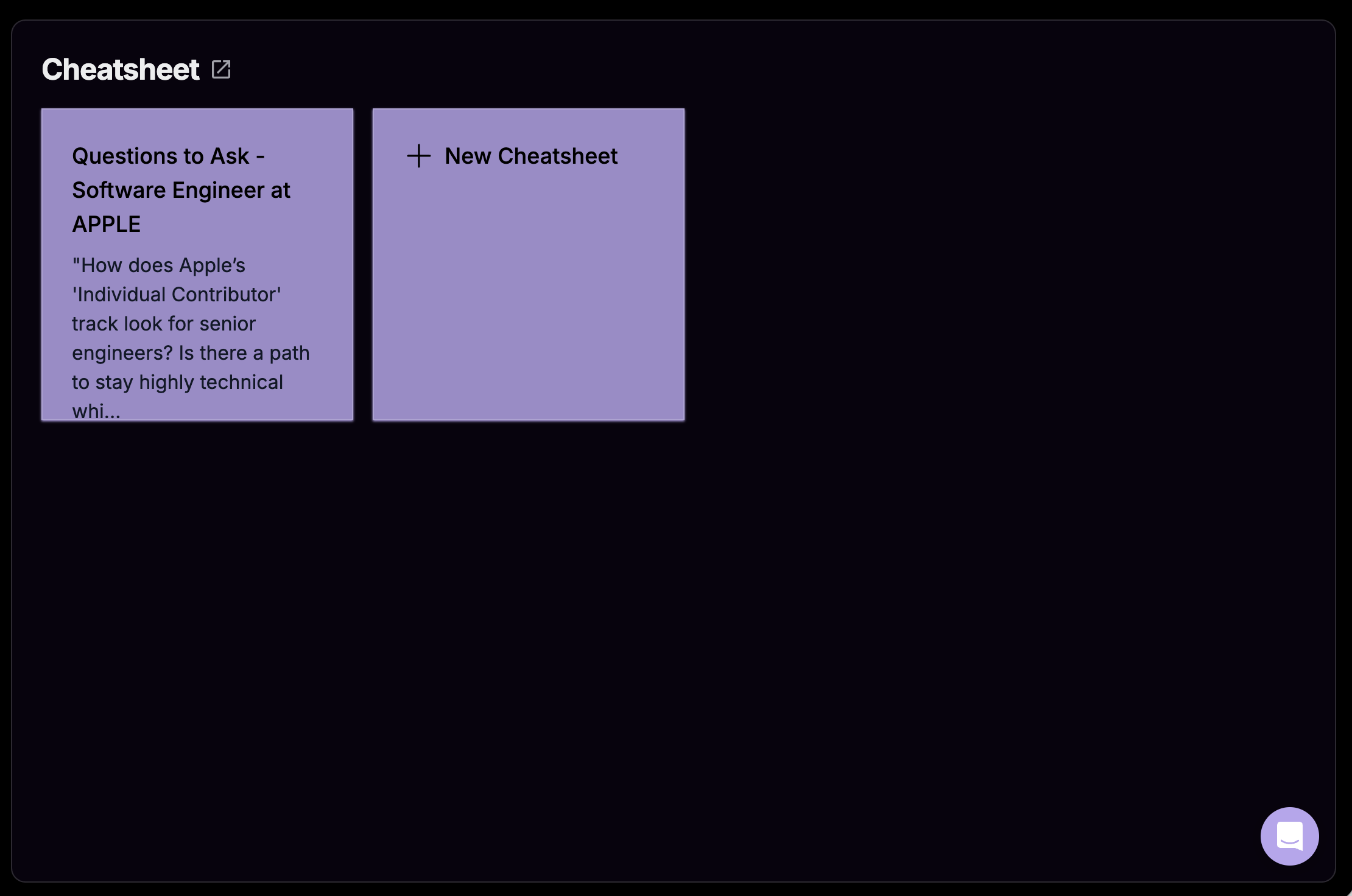
The Cheatsheet feature in Verve AI Preparation gives you a personal space to access any notes or information you’d like to reference during your interview. This can include key points about your experience, industry-specific details, or reminders about projects you’ve worked on. It’s a handy tool that ensures you’re prepared and confident throughout your interview. Access: AI Tools page → CheatsheetHow to Create a Cheatsheet
1
Navigate to Cheatsheet
Open the AI Tools page and select Cheatsheet.
2
Click + New Cheatsheet
Click the + New Cheatsheet button to create a new entry.
3
Fill in Details
- Title: Give your cheatsheet a descriptive name
- Notes: Add the reference information you want to remember
4
Submit
Click Submit and your cheatsheet is ready to use during interviews.
Cheatsheet in Interview Copilot
Your cheatsheet notes appear directly in the Interview Copilot interface, giving you instant access to your reference materials during the interview.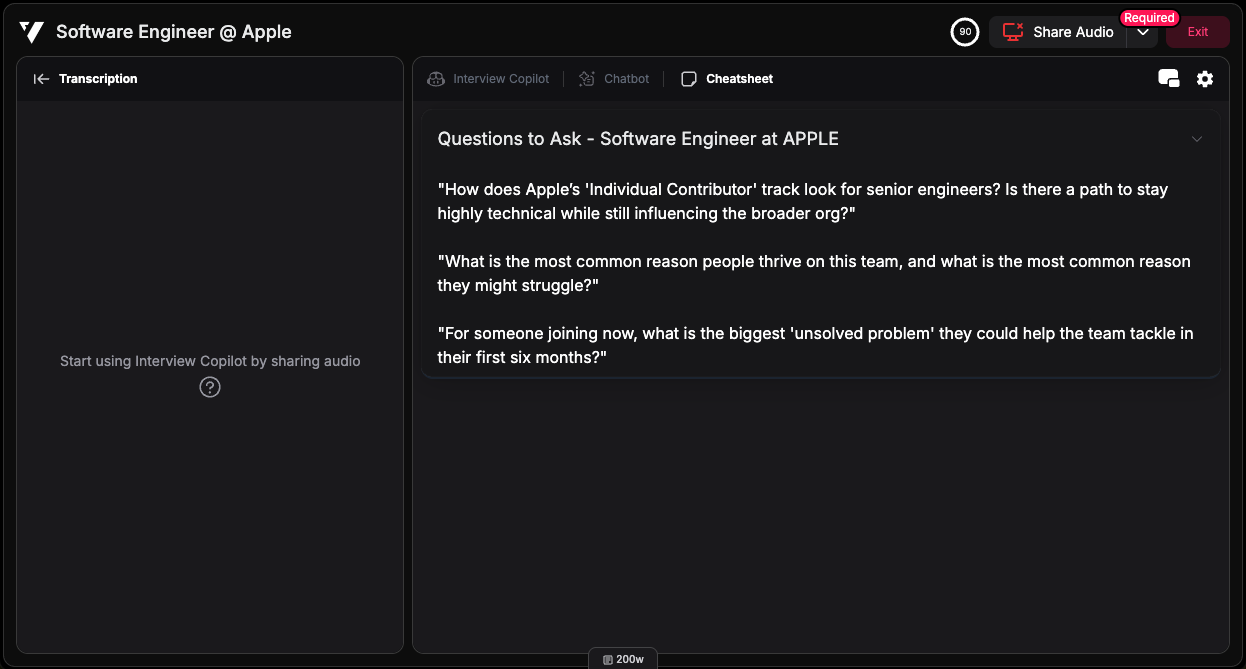
What to Put on Cheatsheet
- Quick Facts: Company details, product names, dates, or metrics you want to remember
- Technical Details: Technology stack, architecture details, or technical specifications
- Talking Points: Key achievements, project highlights, or bullet points to cover
- Personal Reminders: Questions to ask, points to emphasize, or things not to forget