

Overview
System design interviews evaluate your ability to design large-scale distributed systems. Unlike coding interviews that focus on algorithms and data structures, system design interviews test your architectural thinking, trade-off analysis, and ability to communicate complex technical decisions. How to access: Select Software Engineering as your interview domain when launching Interview Copilot. This domain is optimized for system design discussions alongside general software engineering topics.
What Makes System Design Different
System design interviews have distinct characteristics that set them apart from other technical interviews:System Design Solver
While Interview Copilot generates responses based on detected questions in verbal conversation, System Design Solver is a secondary assistant that allows you to capture or send screenshots to solve system design problems on screen. How to access: System Design Solver is available as a tab within any active Software Engineering Copilot session1. Setup
Choose between browser or desktop experience: Browser version:- Chrome only - Other browsers are not supported
- Install the Verve AI Chrome extension
- Download and install the Desktop App
- Greater flexibility - works with any application, not limited to Chrome browser
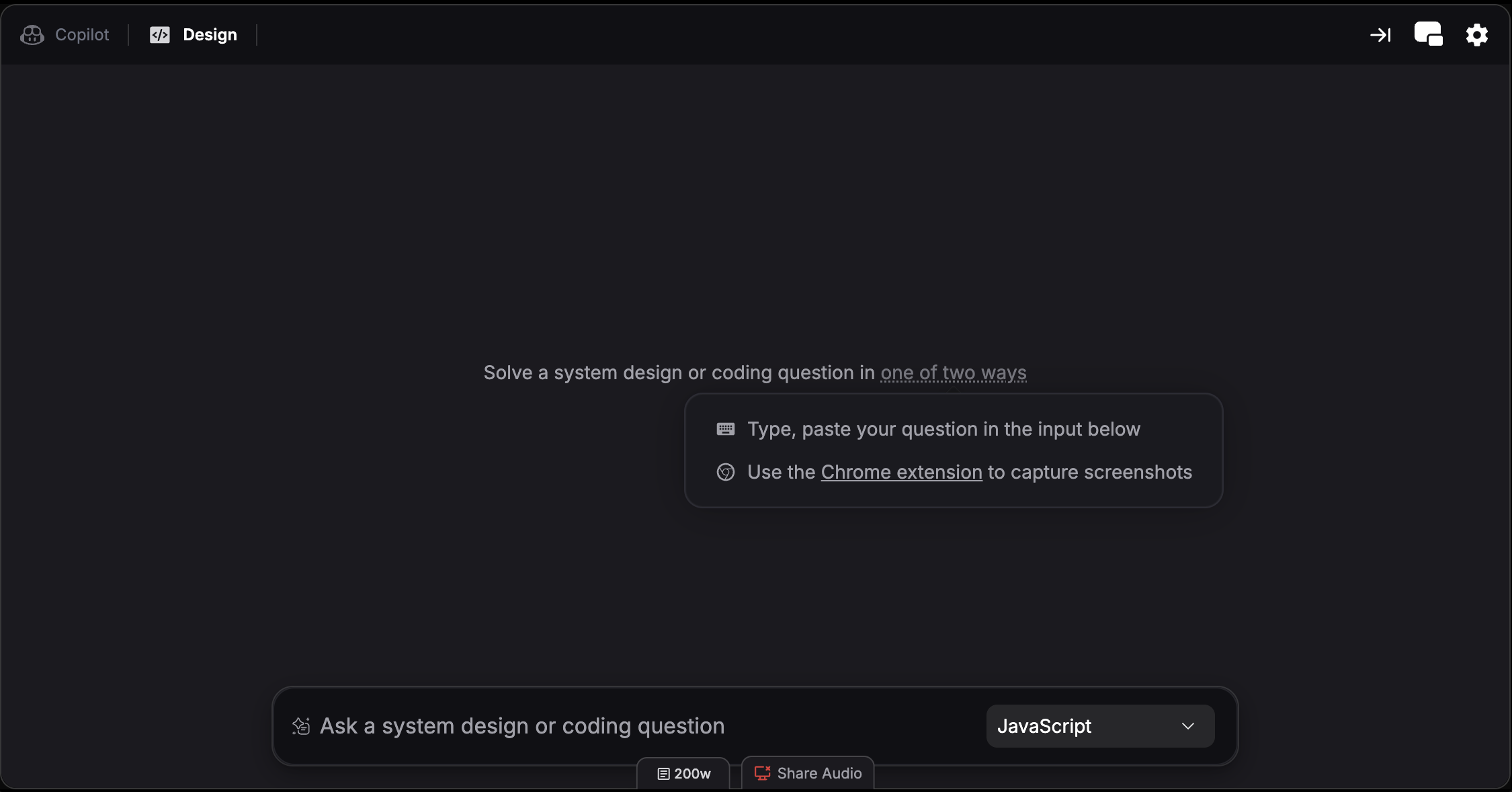
2. Screen Capture
Capture system design problems on your screen and send them directly to System Design Solver for an immediate solution. Browser version:- Navigate to the system design question page with full question visibility
- Click the Verve AI Chrome extension to capture the question and get an instant solution
- Use screen capture hotkeys to capture and solve:
- Cmd + Shift + S (Mac) or Ctrl + Shift + S (Windows) - Capture selected area
- Cmd + Shift + C (Mac) or Ctrl + Shift + C (Windows) - Full screen capture
3. Use Quick Actions
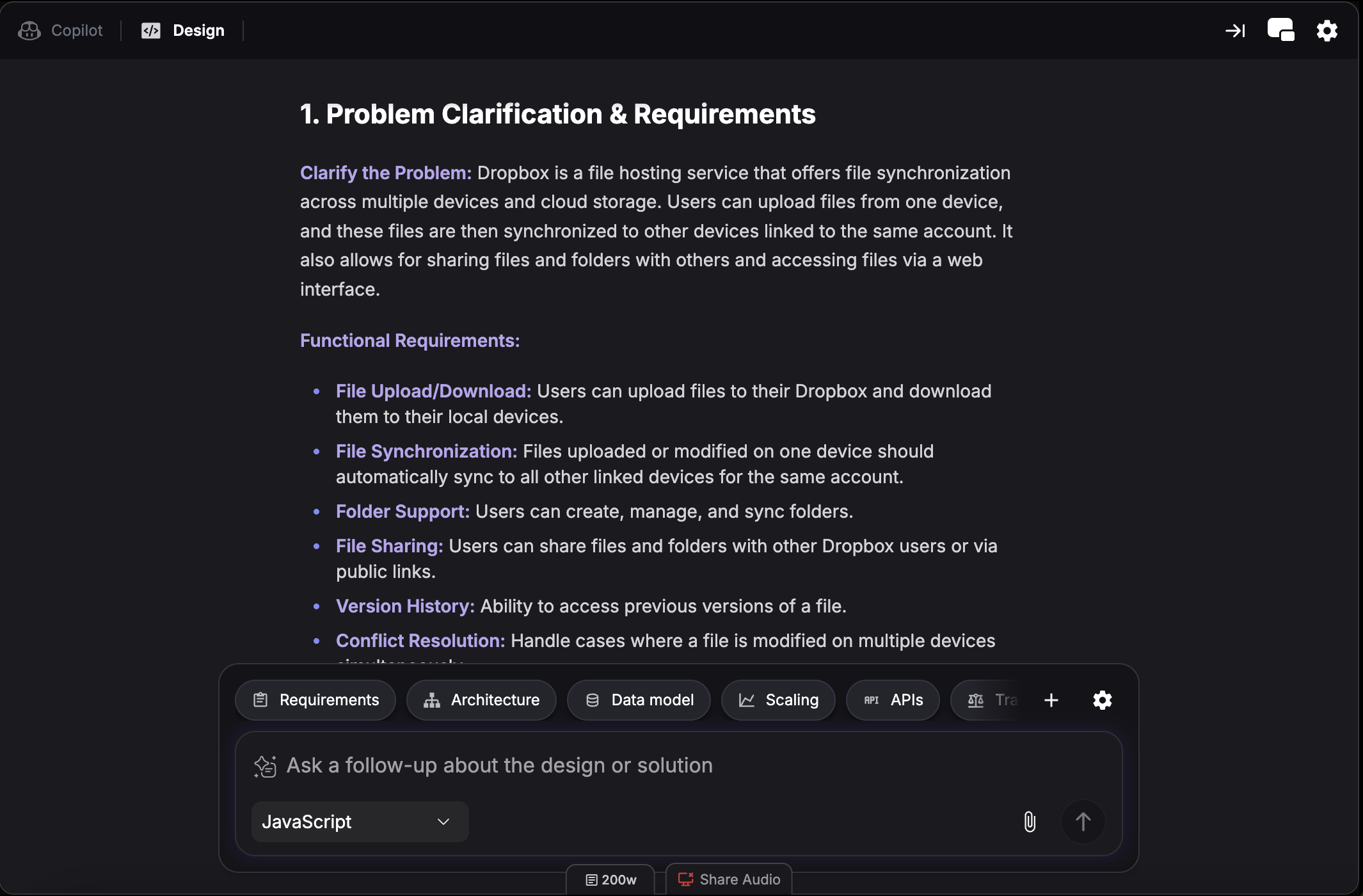
Requirements
Requirements
Clarify functional and non-functional requirements for the system
Architecture
Architecture
Suggest high-level architecture and component design
Data Model
Data Model
Propose database schema and data relationships
Scaling
Scaling
Provide strategies for horizontal and vertical scaling
APIs
APIs
Design API endpoints and service interfaces
Tradeoffs
Tradeoffs
Analyze pros and cons of different design decisions
4. Share Context
Hover over the chat box and click the settings icon to toggle Share Context. When enabled, Interview Copilot considers your System Design Solver interactions as reference when generating spoken support. Turn off if you don’t want Interview Copilot to elaborate on the content.Split Screen Mode
View Interview Copilot and System Design Solver side-by-side instead of switching between tabs. This lets you reference copilot suggestions while working on system design problems simultaneously. Hotkey: Cmd + / (Mac) or Ctrl + / (Windows) Learn more about split screen mode.Recommended AI Models
For system design interviews, choose models optimized for deep reasoning and architectural thinking. See Choose the Right AI Model for detailed recommendations. Top picks for system design:- Claude Sonnet 5.5 - Excellent for trade-off analysis and architectural thinking
- GPT-6.1 Sol - Deep reasoning for scalability discussions
- GLM-5.3 - High intelligence with a fast start