

Overview
Turn any LinkedIn job posting into a personalized mock interview session. Simply paste a job description, select the question types you want to practice, and let AI generate relevant interview questions tailored to that specific role. Why Use This Feature:- Targeted Preparation - Practice questions specific to the job you’re applying for
- Multiple Question Types - Choose from behavioral, technical, cultural fit, and role-specific questions
- AI-Generated Questions - Get intelligent questions based on job requirements and responsibilities
- Save for Later - Store generated questions as a reusable question bank
How to Generate Interview Questions from a Job Post
1
Access the Feature
Visit Tools and select “LinkedIn Mock Interview” to generate interview questions from any job posting.
2
Paste the Job Description
Copy the full job description from LinkedIn (or any job posting) and paste it into the text field.
3
Select Question Types
Choose one or more question types you want to practice: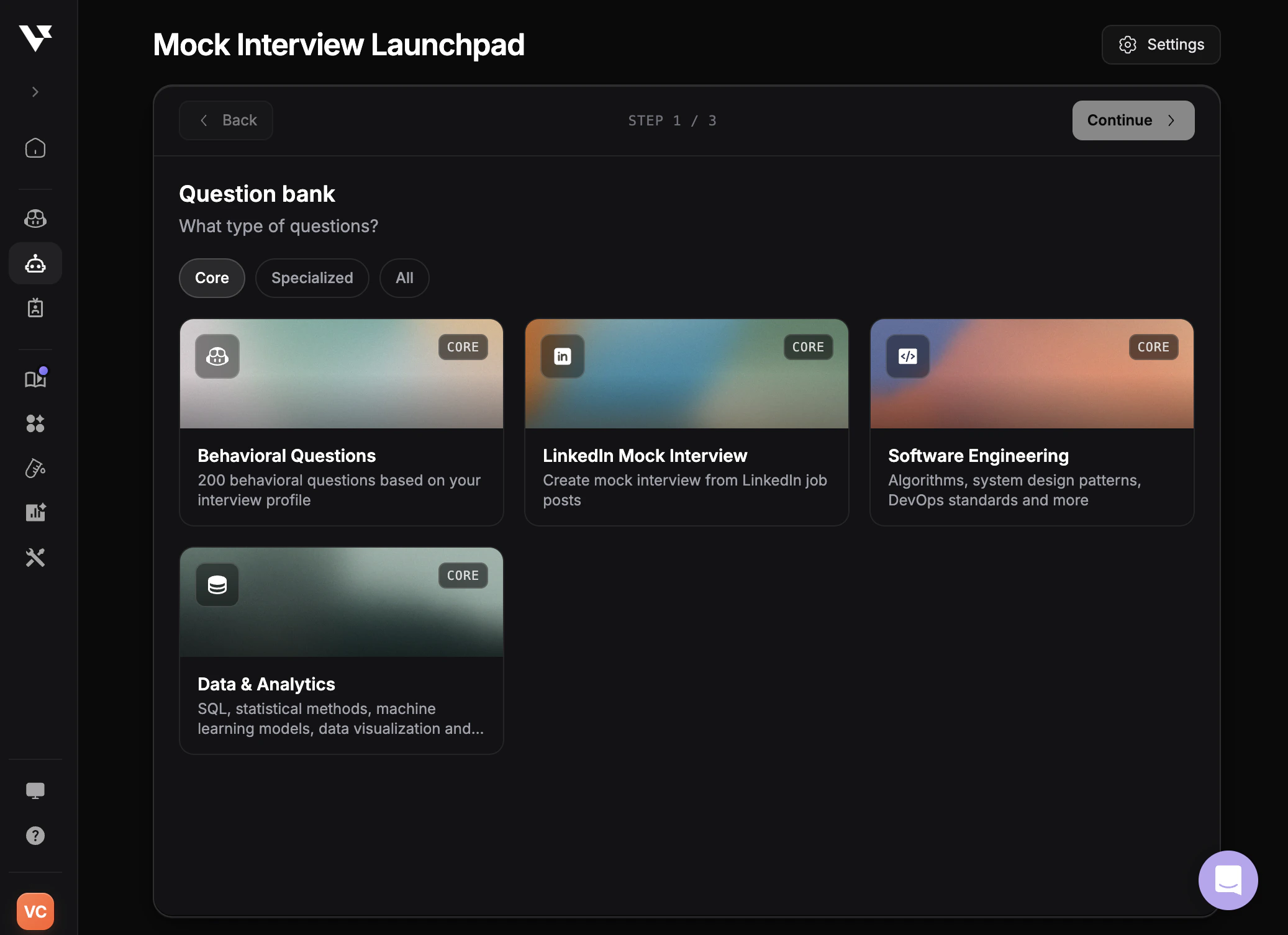
4
Generate Questions
Click generate to create your personalized interview questions based on the job description and selected types. Generated questions are automatically saved to your Question Bank.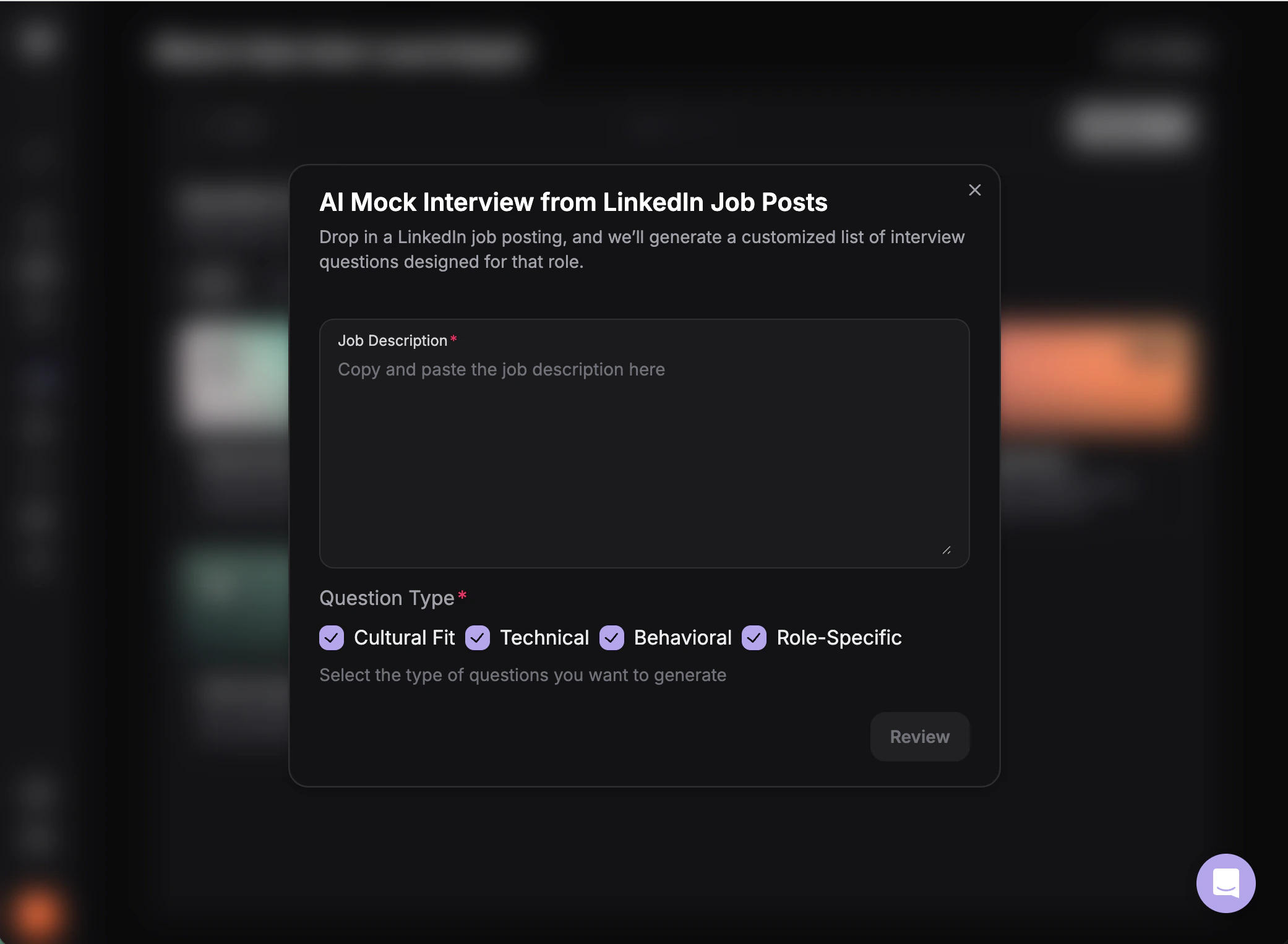
5
Practice with Your Questions
View your saved questions in the Question Bank, or select them to start a Mock Interview.