> ## Documentation Index
> Fetch the complete documentation index at: https://docs.vervecopilot.com/llms.txt
> Use this file to discover all available pages before exploring further.
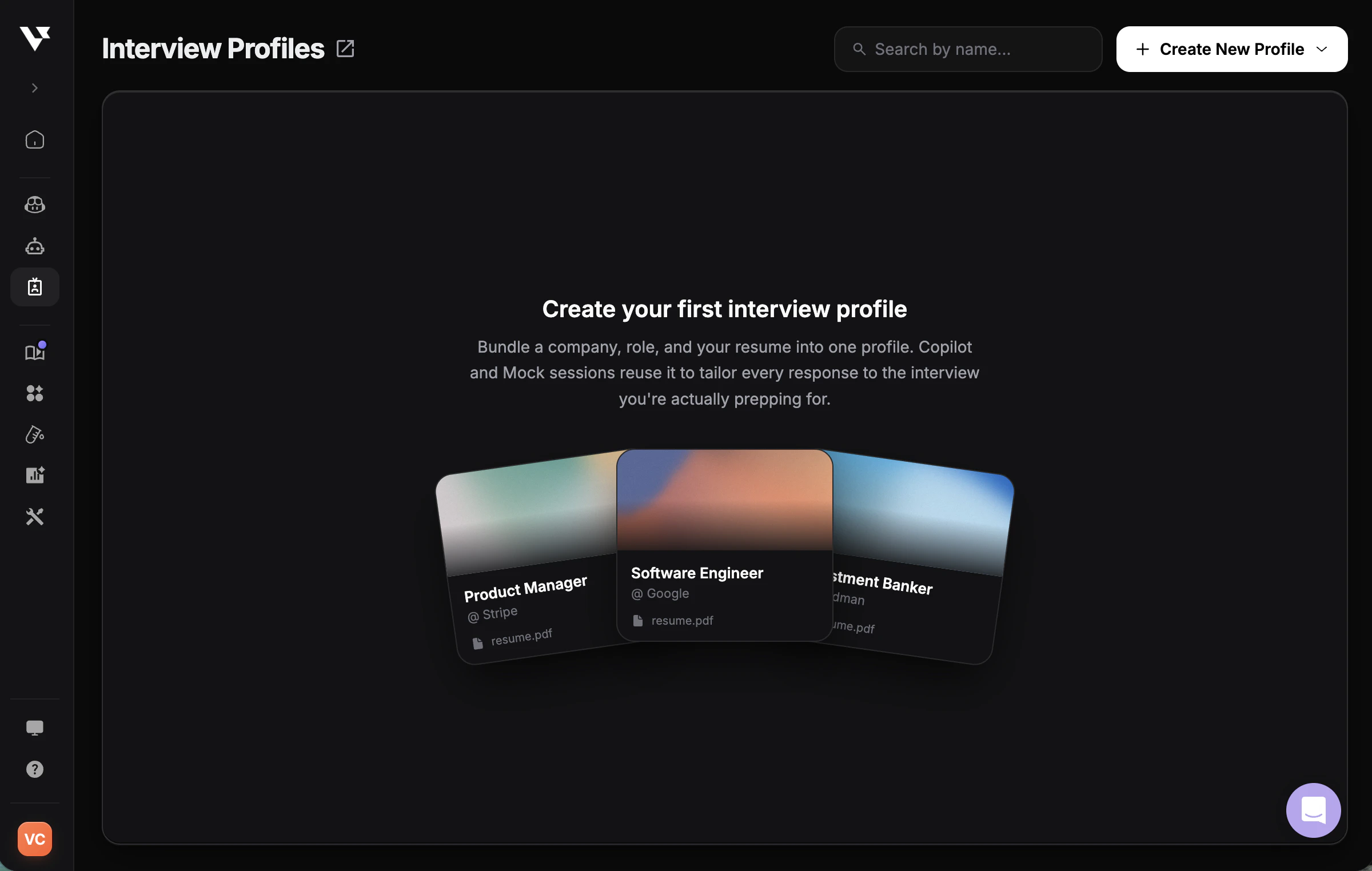
# Create Interview Profile
> Set up a personalized interview profile with your resume and job details for tailored AI copilot responses during interviews.
## Overview
An interview profile helps Verve AI tailor responses to your background, the role you're applying for, and the company you're interviewing with. Think of it as your interview context that makes AI suggestions more accurate and relevant.
**Why Interview Profiles Matter:**
* **Tailored Responses** - Get AI suggestions specifically matched to your background and the role
* **Multiple Interviews** - Create different interview profiles for various companies and positions
* **Role-Specific Context** - Ensure responses align with job requirements and company culture
* **Better Accuracy** - AI understands your experience level and can provide relevant examples
***
## How to Create an Interview Profile
Navigate to [**Interview Profiles**](https://www.app.vervecopilot.com/personas) in your dashboard.
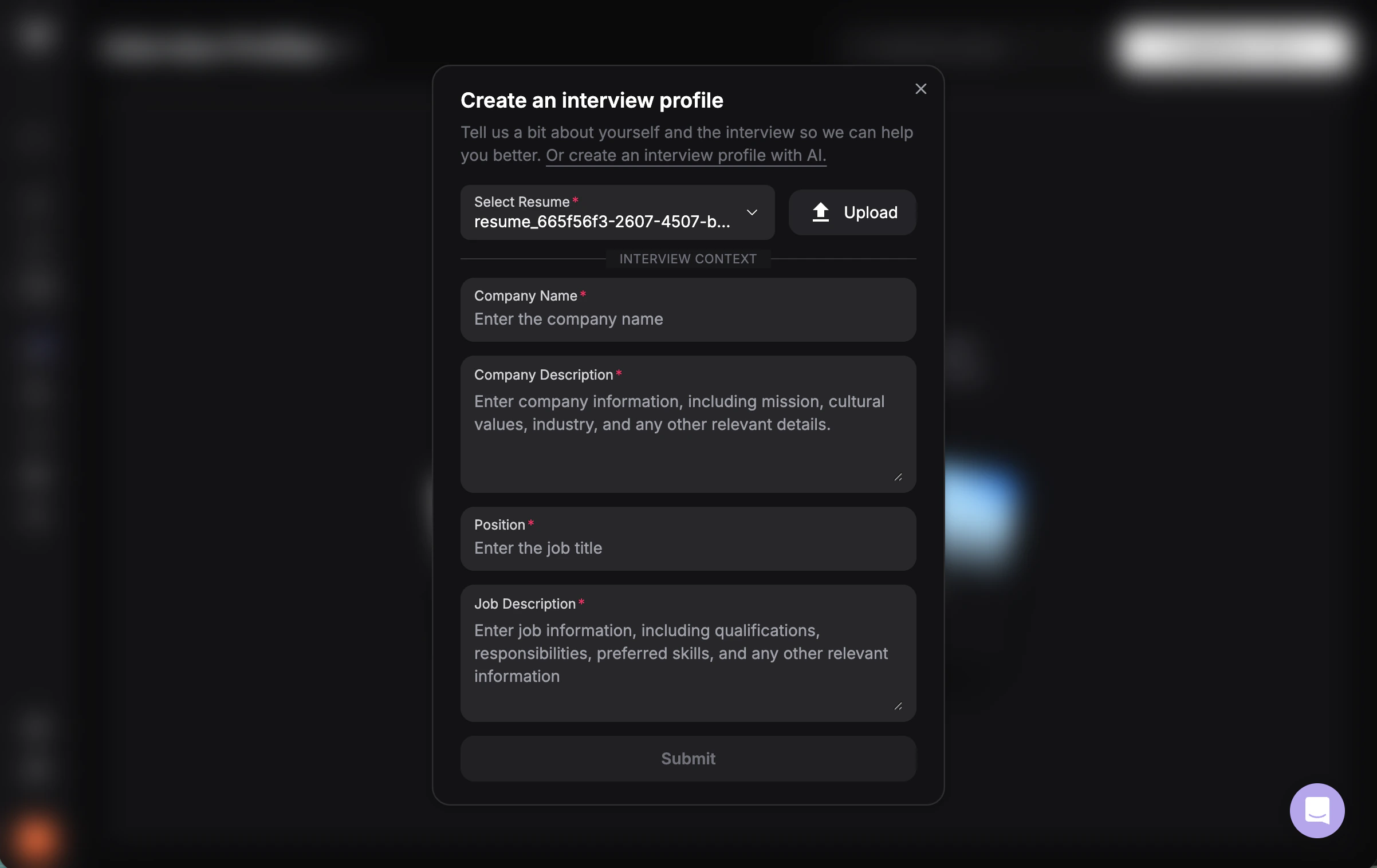
Click the **"Create New Interview Profile"** button on the top right corner.
Upload or select your resume (PDF, DOC, or DOCX).
Provide the following information:
* **Company Name**
* **Company Description** (brief overview of the company)
* **Position** (job title you're applying for)
* **Job Description** (paste the full job posting)
Click **Submit** to create your interview profile.
Select your newly created interview profile before launching any interview session at the [interview copilot launch pad](https://www.app.vervecopilot.com/copilot).
Copy the entire job description from the posting. The more detail you provide, the better Verve AI can tailor responses to match the role requirements.
## Create an Interview Profile with AI
If you already have the full job description, you can use AI to prefill your interview profile draft instead of completing every field manually.
Start a new interview profile and choose the **Create Interview Profile with AI** option.
Paste the complete job description into the input box so Verve AI has enough context to work with.
Click **Continue** and Verve AI will prefill the interview profile draft for you.
Check the generated company, role, and job details, then make any edits you want before saving the interview profile.
***
## How to Use Your Interview Profile
Once your interview profile is saved, you can reuse it across multiple Verve AI tools. Click the **⋯** action menu next to any profile to choose how to use it.
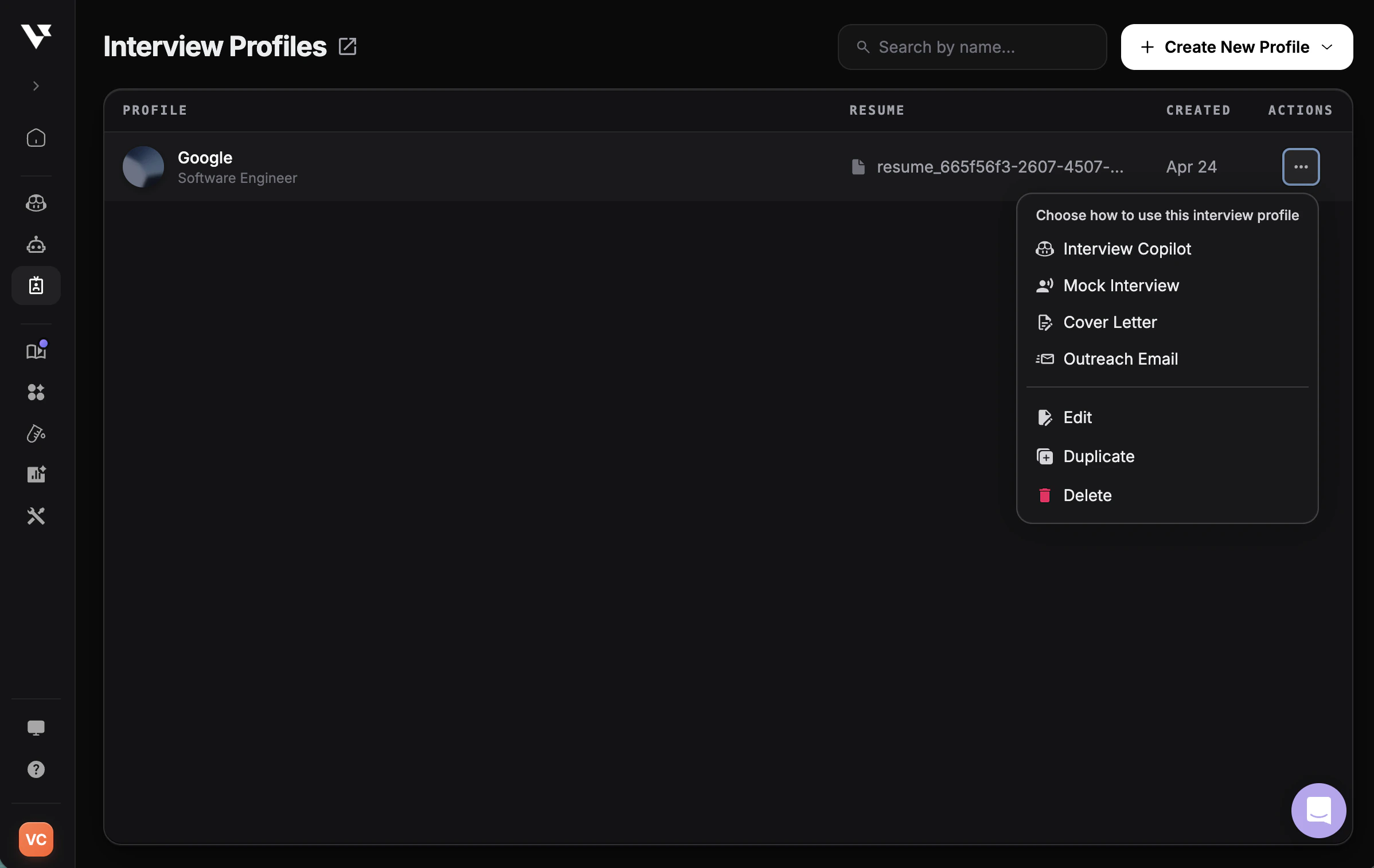
* **Interview Copilot** — launch a real-time copilot session tailored to this profile
* **Mock Interview** — practice with an AI interviewer using this profile's role and company context
* **Cover Letter** — generate a tailored cover letter from your resume and the job details
* **Outreach Email** — draft a personalized recruiter or networking email
You can also **Edit**, **Duplicate**, or **Delete** the interview profile from the same menu.
***
| Field | What to Enter | Why It Matters |
| ----------------------- | ------------------------------------- | --------------------------------------------- |
| **Resume** | Upload your resume or select existing | AI understands your background and experience |
| **Company Name** | The company you're interviewing with | Contextualizes responses for that company |
| **Company Description** | Brief description of the company | Provides industry and business context |
| **Position** | Job title you're applying for | Tailors technical depth and focus areas |
| **Job Description** | Full job posting details | Matches responses to required skills |
***
## Next Steps
Preview and customize AI responses before interviews
Write STAR stories or free-form interview context
Start using your interview profile in an interview
Learn how to use copilot features