> ## Documentation Index
> Fetch the complete documentation index at: https://docs.vervecopilot.com/llms.txt
> Use this file to discover all available pages before exploring further.
# Cheatsheet
> Create personal reference notes and cheatsheets for yourself to use during interviews.
## Overview
The Cheatsheet feature in Verve AI Preparation gives you a personal space to access any notes or information you'd like to reference during your interview. This can include key points about your experience, industry-specific details, or reminders about projects you've worked on. It's a handy tool that ensures you're prepared and confident throughout your interview.
**Access:** AI Tools page → Cheatsheet
Cheatsheet content is for your personal reference during interviews and will not be referenced by AI Copilot. If you want AI Copilot to use your materials, add them to the [Knowledge Base](/features/knowledge-base).
***
## How to Create a Cheatsheet
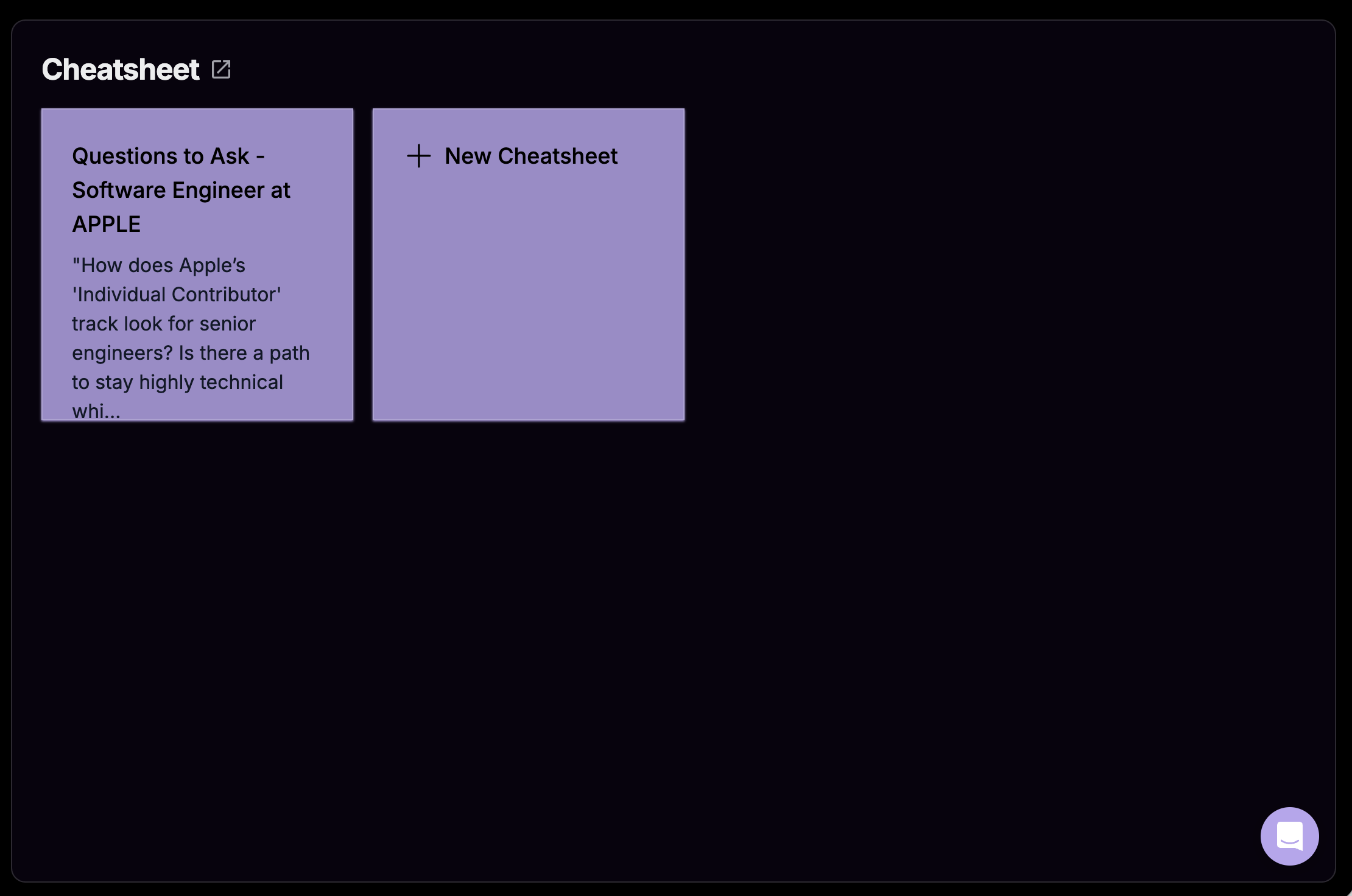
Open the **AI Tools** page and select **Cheatsheet**.
Click the **+ New Cheatsheet** button to create a new entry.
* **Title:** Give your cheatsheet a descriptive name
* **Notes:** Add the reference information you want to remember
Click **Submit** and your cheatsheet is ready to use during interviews.
***
## Cheatsheet in Interview Copilot
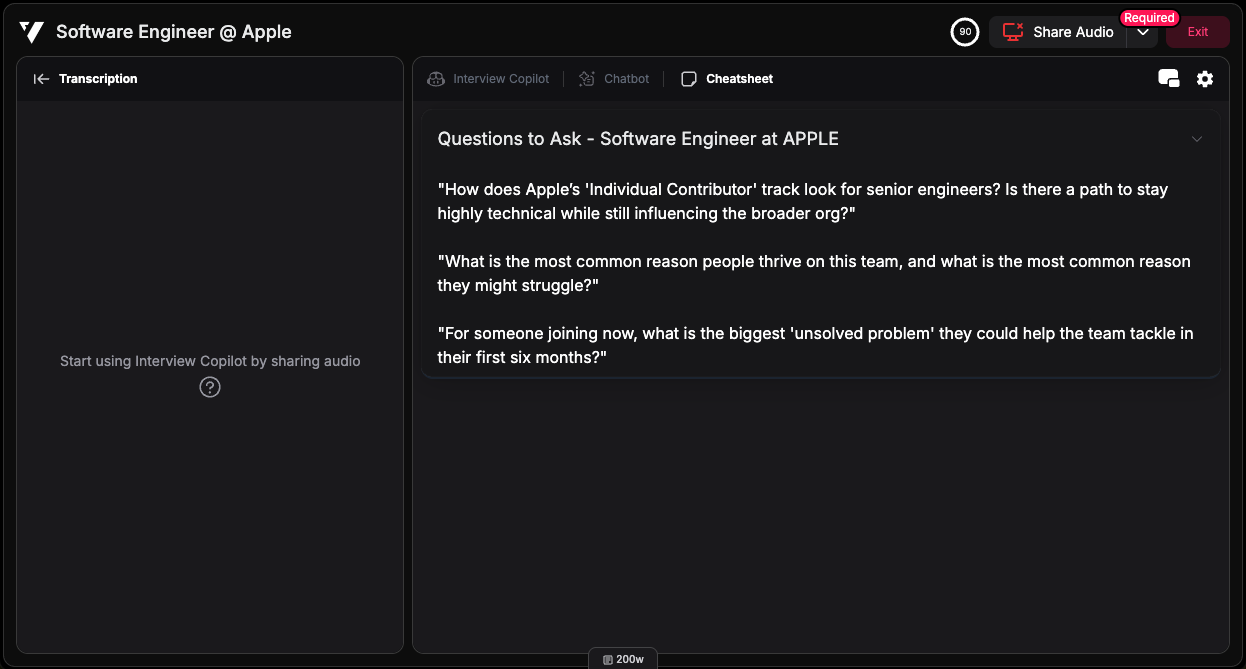
Your cheatsheet notes appear directly in the Interview Copilot interface, giving you instant access to your reference materials during the interview.
***
## What to Put on Cheatsheet
* **Quick Facts:** Company details, product names, dates, or metrics you want to remember
* **Technical Details:** Technology stack, architecture details, or technical specifications
* **Talking Points:** Key achievements, project highlights, or bullet points to cover
* **Personal Reminders:** Questions to ask, points to emphasize, or things not to forget
***