> ## Documentation Index
> Fetch the complete documentation index at: https://docs.vervecopilot.com/llms.txt
> Use this file to discover all available pages before exploring further.
# System Language
> Learn how to change the interface language for Verve AI
## System Language Settings
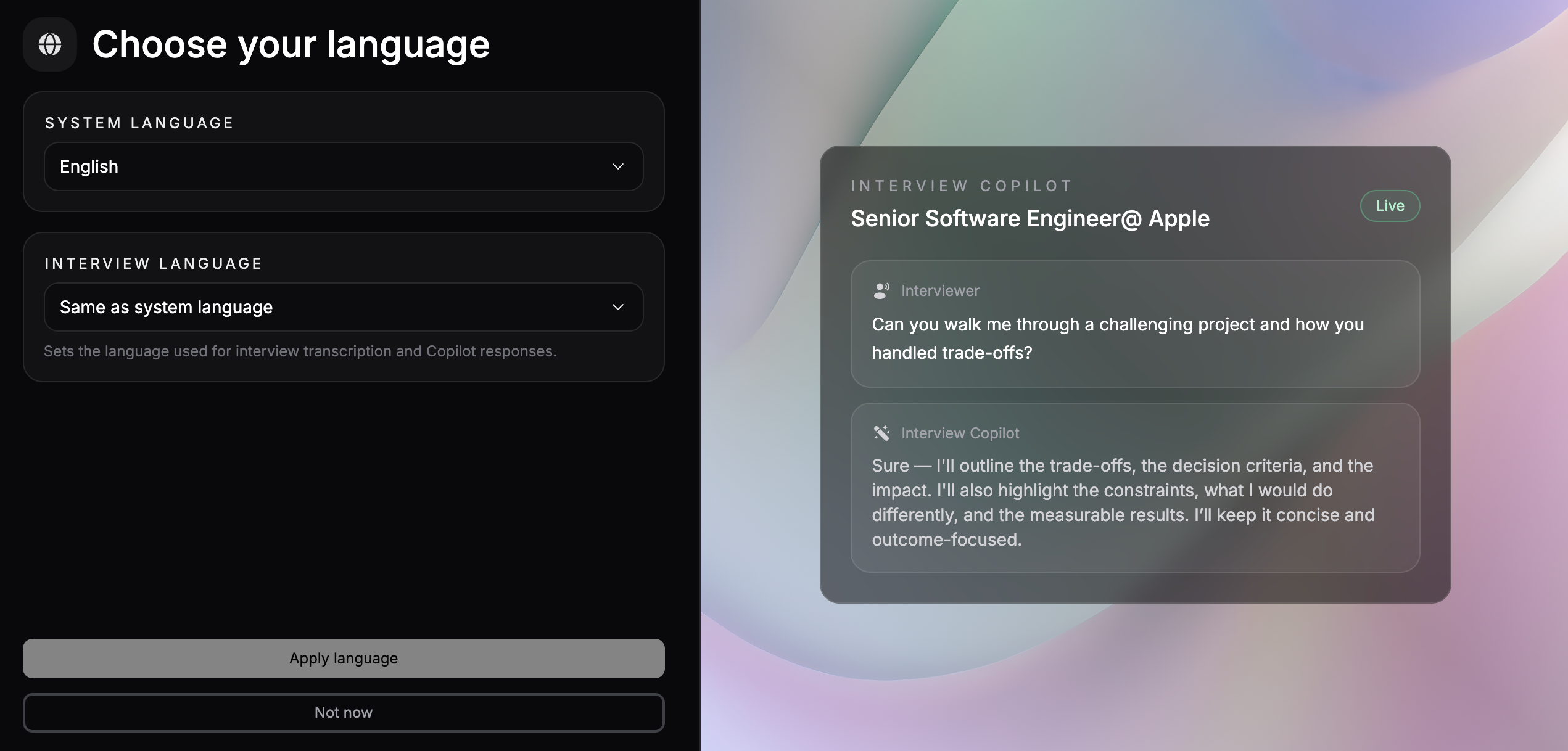
System language controls the **interface language** of the Verve AI platform. This includes all menus, buttons, labels, and UI elements throughout the application.
Verve AI is available in **English, French, Spanish, Japanese, and Chinese**.
**System Language vs Interview Language:** System language changes the platform interface, while [Interview Language](/guides/change-interview-language) controls the language used for transcription and copilot responses during your interview sessions.
***
## How to Change System Language
Log in to your account and navigate to [Manage Account](https://www.app.vervecopilot.com/account).
Locate the **Language** section in your account settings.
Choose your preferred interface language from the available options:
* English
* French
* Spanish
* Japanese
* Chinese
Your changes will be applied immediately and the interface will update to your selected language.
***
## Related Settings
* **[Interview Language](/guides/change-interview-language)** - Change the language used for transcription and copilot responses during interviews