> ## Documentation Index
> Fetch the complete documentation index at: https://docs.vervecopilot.com/llms.txt
> Use this file to discover all available pages before exploring further.
# Request a Feature
> Share your ideas to help us improve Verve AI
Have an idea that could make Verve AI better? We'd love to hear it! Your feedback helps us prioritize features that matter most to our users. You can submit feature requests through the feature request form or by talking to our support team.
***
## How to Request a Feature
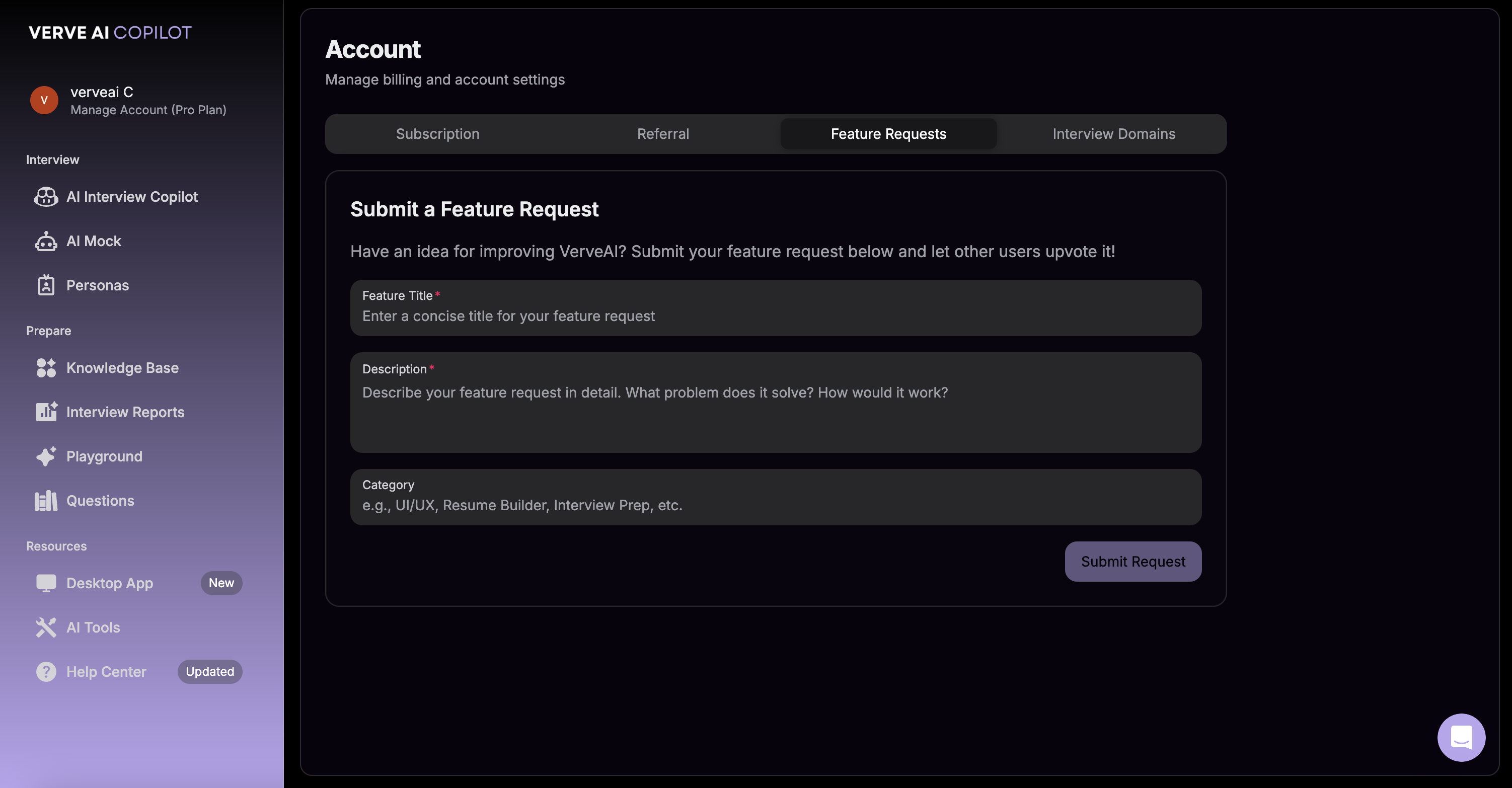
Navigate to **Manage Account** → **Feature Request** to open the feature request form.
Tell us about the feature you'd like to see. Include details about:
* What problem it would solve
* How you envision it working
* Why it would be helpful for your interviews
Click submit to send your feature request to our team.
**Alternative Option** - You can also submit feature requests by talking to support through the purple chat icon in the bottom-right corner of your screen.
***
## What Happens Next
Our team evaluates every feature request
Popular requests get prioritized
Approved features are added to our roadmap
We'll notify you when your requested feature is live
***
## Tips for Great Feature Requests
Be specific about your use case. The more context you provide, the better we can understand and implement your idea.
Already requested a feature? Feel free to follow up or provide additional context by submitting another request or contacting support.